

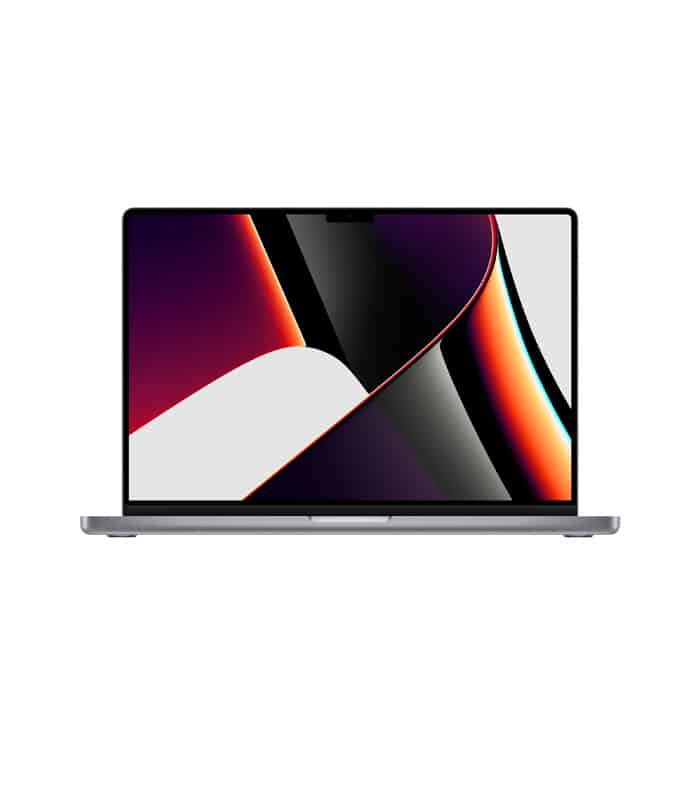
In today’s digital-first world, a laptop is no longer a luxury—it is a necessity. Whether you are a student attending online classes, a professional managing corporate projects, or a freelancer building a creative empire, your laptop is the engine that drives your productivity. However, with the market flooded with endless options, finding the “perfect” machine can feel overwhelming. This guide simplifies the process by highlighting the essential factors you should consider.
Identify Your User Profile
The first step in buying a laptop is defining what you will do with it. Not everyone needs a high-end machine.
- Students/General Users: If your tasks are limited to web browsing, writing assignments, and streaming movies, a mid-range laptop is more than enough.
- Professionals: If you deal with heavy multitasking, large spreadsheets, or coding, you need better processing power and reliability.
- Creatives/Gamers: Video editors, graphic designers, and gamers require dedicated graphics cards and high-resolution displays to handle intensive visual tasks.
The Core Essentials: Processor, RAM, and Storage
These three components determine how fast and smooth your laptop will run.
- Processor (CPU): Consider this the brain of your computer. For basic tasks, an Intel Core i3 or AMD Ryzen 3 works fine. However, for most people, the Core i5 or Ryzen 5 is the “sweet spot” for performance and value. Power users should aim for Core i7/i9 or Ryzen 7/9.
- RAM: This affects multitasking. In 2024, 8GB of RAM is the absolute minimum. If you want a future-proof machine that won’t lag when you have thirty browser tabs open, go for 16GB.
- Storage (SSD): Never buy a laptop that only has a traditional Hard Drive (HDD). Always opt for a Solid State Drive (SSD). An SSD makes your laptop turn on in seconds and opens apps instantly. Aim for at least 256GB or 512GB of SSD space.
Portability and Battery Life
The primary advantage of a laptop is its mobility. If you travel often or carry your laptop to a university or office, look for a lightweight design (often called Ultrabooks). Along with weight, check the battery life. A good laptop should offer at least 6 to 8 hours of real-world usage on a single charge so you aren’t constantly hunting for a power outlet.
Display and Build Quality
Since you will be staring at the screen for hours, do not settle for less than a Full HD (1080p) resolution. A good display reduces eye strain and provides better clarity. Additionally, ensure the keyboard is comfortable for typing and the trackpad is responsive.
Conclusion
A laptop is an investment in your productivity and future. Instead of just chasing the highest specs or the lowest price, look for a balance that fits your specific needs. Researching brands like HP, Dell, Asus, Lenovo, or Apple can give you a sense of the reliability and after-sales service available in your region.
By focusing on the right processor, sufficient RAM, and a fast SSD, you can ensure that your new laptop remains a loyal companion for years to come.
Do you have a specific budget in mind so I can suggest some model names for you?